Lighting Prompts for Gemini Omni 1.1 Flash: Name the Source, Not the Number
We wrote one lighting instruction into a Gemini Omni 1.1 Flash prompt, then measured what came back instead of squinting at it. Half of it arrived intact. The other half — the half most people assume is the easy part — did not.
The prompt named a west-facing window as the key, a tungsten table lamp as a warmer second source a stop below it, dust turning in the beam, and a film stock whose highlights roll off softly. Eight seconds at 720p, $0.72.
Both fixtures arrived. The lamp reads warmer than the daylight in every frame where both are visible — red-to-blue 3.02 against 1.49 two and a half seconds in — and the dust is turning in the beam in all four frames we sampled. What did not arrive was the quantity attached to them. We asked for the lamp a stop under the window; the gap we measure swings from 1.47 stops under it to half a stop over it as the clip runs. That is the argument of this post — Omni takes delivery of light sources you can point at, and quietly drops the numbers attached to them.
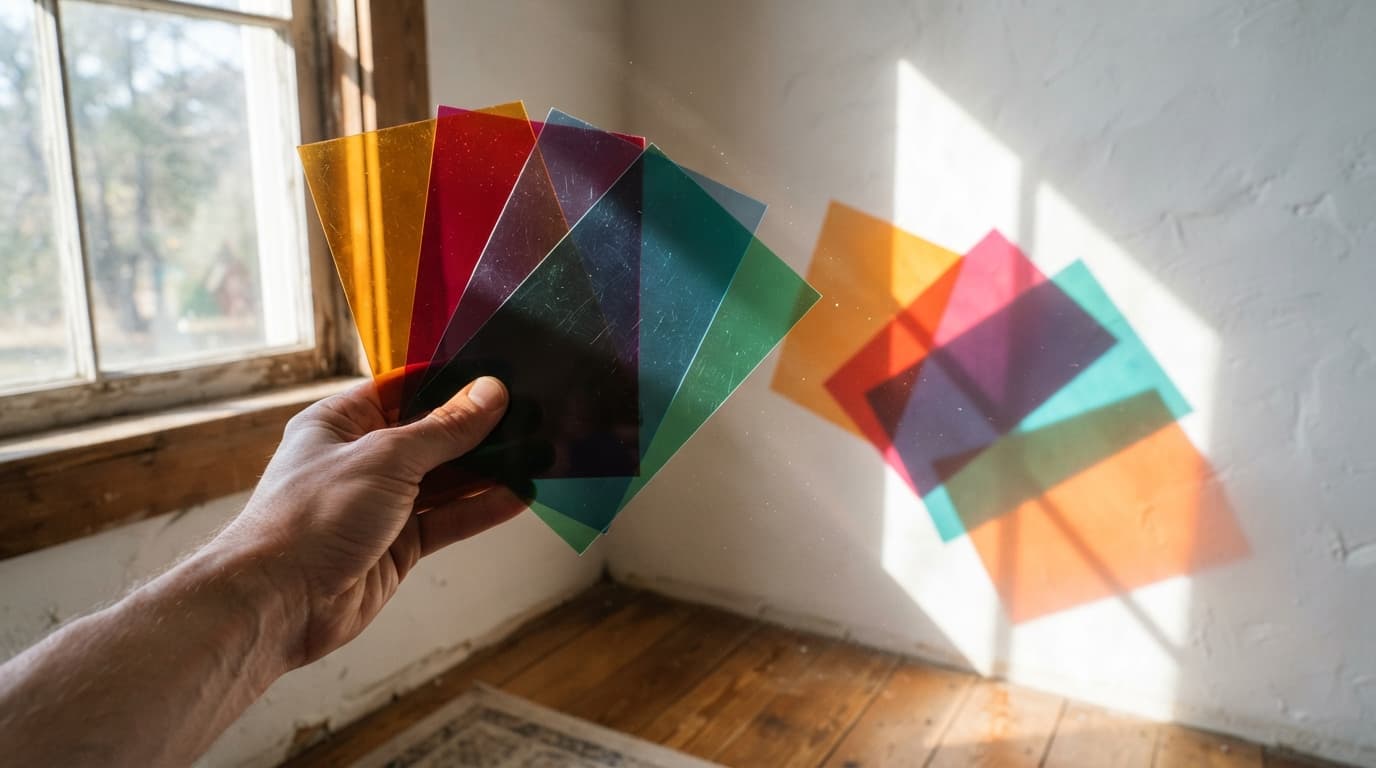
Google's documentation contradicts itself, usefully
The Veo prompt reference, which carries the vocabulary Omni shares, defines ambiance as "How the color and light contribute to the scene, such as blue tones, night, or warm tones." Read only that element table and you would conclude "warm tones" is what a lighting instruction looks like.
Now read the example prompts. The single-scene example on the Omni page ends with "Sunbeams illuminate dust motes in the air." — a source, a direction and a visible medium in eight words. Google's Veo 3.1 prompting guide goes further: one office scene is "lit by the harsh fluorescent overhead lights and the green glow of the monochrome monitor" with a "Retro aesthetic, shot as if on 1980s color film, slightly grainy."
Two fixtures with a stated colour and quality, plus an era. No key, no fill, no ratio, no Kelvin — it describes a room you could walk into. That gap between tables and examples is the most actionable thing in the docs: write like the examples.
Physical sources beat lighting jargon
The instinct for anyone with a set background is departmental terms — key from camera left, fill two stops down, rim from behind. Here is that instinct written out, next to the rewrite we actually rendered. Only the second was generated; the first shows the shape, not a measured result.
Cinematic shot of a wooden chair in an empty apartment. Beautiful dramatic
lighting with a strong key light from camera left and soft fill from the
right, plus a rim light separating the subject from the background. Moody
atmosphere, golden hour vibes, professional color grading, high dynamic
range, rich shadows, warm cinematic tones, film look, shot on a cinema
camera, high contrast, 8k, masterpiece quality. Beautiful and atmospheric
throughout.
Nothing there tells the model where anything is. It is not simulating fixtures — it predicts what a frame described that way looks like, and "key, fill, rim" fits almost every professionally shot frame ever made, so the phrase says nothing about this one.
The version we ran, eight seconds at 720p:
Late golden hour inside a nearly empty apartment. 35mm lens at f/2.8,
camera on a slow arcing dolly drifting left around a wooden chair. Low sun
through a west-facing window throws a long parallelogram of warm orange
light across a bare floor, dust suspended and turning through the beam. A
practical table lamp with a tungsten bulb glows in the shadowed half of the
room, a full stop under the window and noticeably warmer. As the camera
arcs, the window light rakes across the chair's back and the cool shadow
side of the room enters frame, so warm and cool sit inside the same shot.
Kodak Vision3 250D character: soft highlight roll-off, gentle halation
around the window. Ambient: distant traffic, no music.
Every lighting clause in it names something in the room: a window with a compass direction, the shape its light makes on the floor, particles in the beam, a lamp with a bulb type. The model has seen millions of frames of low sun through a window and very few captioned "rim light at 45 degrees."
What the measurements showed
We pulled four frames — 0.5, 2.5, 5.0 and 7.5 seconds, which at 24 fps are frames 12, 60, 120 and 180 — and sampled one rectangle per surface in each. Warmth is the red-to-blue ratio of a region's mean colour, on the 8-bit values as delivered. Stop differences are the base-2 log of the Rec.709 luminance ratio computed on linearised sRGB, the transfer function undone first. Saturation is the share of a region's pixels pinned at a channel's ceiling.
Because the camera arcs, a region has to track a named surface rather than a fixed screen position, so the rectangles are worth publishing — as (x0, y0)–(x1, y1) in the 1280 by 720 frame, they are:
| Frame | Sunlit floor | Tungsten lamp | Wall clear of both | Window pane |
|---|---|---|---|---|
| 0.5s (n=12) | (330,570)–(470,650) | — | (950,120)–(1090,240) | (235,70)–(345,310) |
| 2.5s (n=60) | (255,545)–(395,615) | (1190,320)–(1250,380) | (880,120)–(1020,240) | (110,50)–(220,270) |
| 5.0s (n=120) | (175,540)–(315,610) | (955,320)–(1015,380) | (550,100)–(690,220) | — |
| 7.5s (n=180) | (80,595)–(220,665) | (740,315)–(790,370) | (950,120)–(1090,240) | — |
Frames come out with ffmpeg -i golden-hour-interior.mp4 -vf "select=eq(n\,12)" -vsync 0 -frames:v 1 frame.png. Every number below is printed by one script, run against the same file linked above.
| Red-to-blue ratio | 0.5s | 2.5s | 5.0s | 7.5s |
|---|---|---|---|---|
| Sunlit floor (daylight key) | 1.45 | 1.49 | 1.72 | 1.94 |
| Tungsten lamp | — | 3.02 | 2.55 | 2.30 |
| Wall clear of both sources | 2.02 | 2.15 | 1.96 | 1.52 |
The warmth ordering held. Wherever both are in frame, the tungsten lamp reads warmer than the daylight — 3.02 against 1.49, then 2.55 against 1.72, then 2.30 against 1.94. We asked for "noticeably warmer" and got it every time. The margin narrows as the clip runs, but it never closes.
Warm and cool did end up in one frame — the point of the instruction. At 7.5 seconds a single frame carries three separations: far wall 1.52, sunlit floor 1.94, lamp 2.30. Two named fixtures produced the spread on their own.
The staging, though, we cannot credit. The prompt asked for the cool side to enter as the camera arced, and the wall does end cooler than it started — 2.15 at two and a half seconds against 1.52 at seven and a half. But it does not get there cleanly, reading 1.96 in between, and those are not the same wall: the arc moves the frame, so early samples sit inside the lamp's throw and late ones sit clear of it. Distance from a warm fixture explains the wobble as well as obedience does, and four frames cannot separate them.
The magnitude failed, and drifted. We asked for the lamp "a full stop under the window." Measuring the daylight-lit floor against the lamp's own shade, the gap runs 1.47 stops at two and a half seconds, 0.64 at five, and −0.47 at seven and a half — by the end the lamp reads brighter than the sunlight it was told to sit under. Never the one stop we asked for, and not even a stable wrong answer.
The window, we expected to blow out. It does not. In the opening frame the pane looks clipped and is not: red reaches 255 on 0.81 percent of its pixels, green on 0.03, and blue never gets there — across the whole frame blue peaks at 249. The values crowd instead into the top few codes, the pane's red running 249 at the median and 254 at the 99th percentile, and the glass keeps a faint warm cast at red-to-blue 1.11 rather than going white. That is what a soft shoulder looks like. What we cannot say is that we caused it: a scene that never reaches the ceiling looks the same from outside, and we have no version of this shot rendered without the film-stock clause to compare against.
Sort those by the kind of instruction each was and the pattern is hard to miss: the physical, nameable things arrived, the numeric magnitude did not, and the grade language we cannot score either way without a control render.
Practicals hold a moving shot together
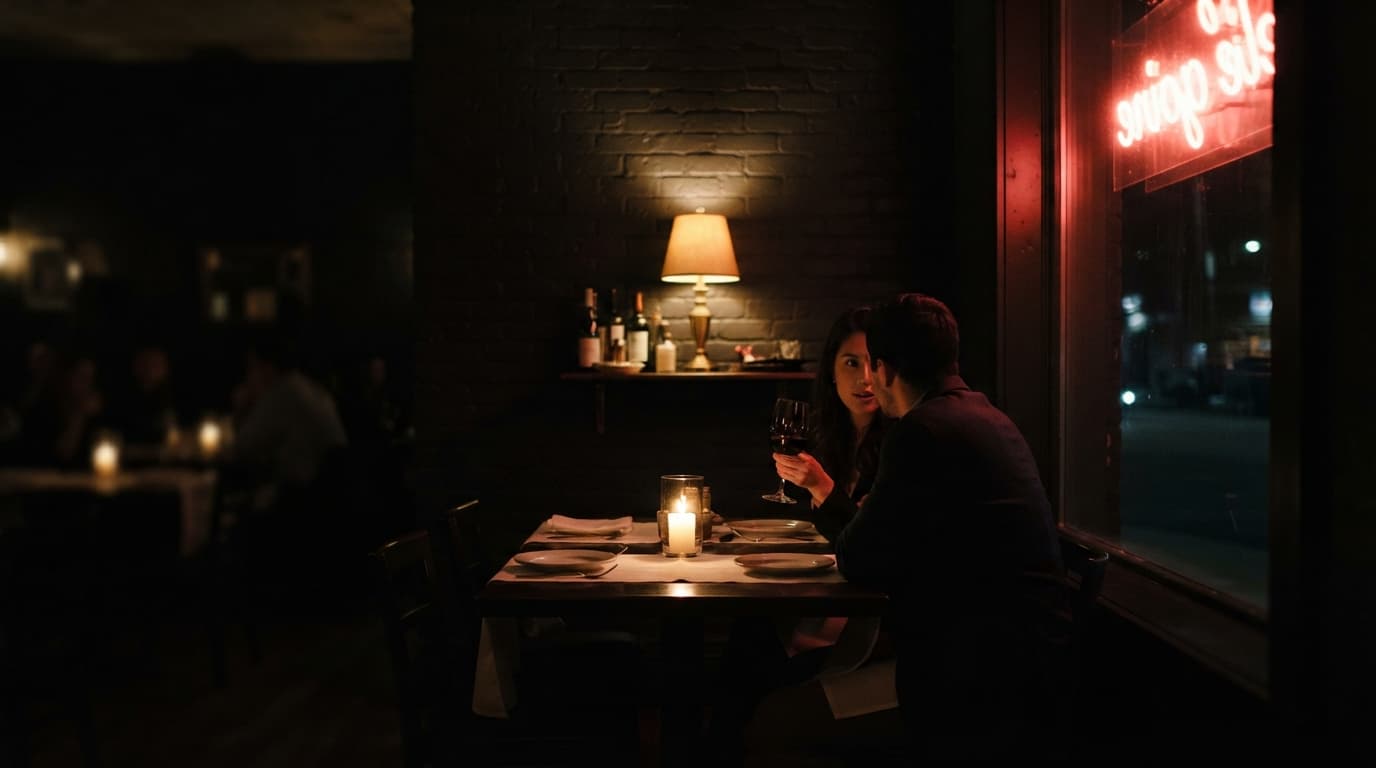
The most useful trick we found is putting a visible fixture in frame. A practical — lamp, monitor, candle, neon sign — gives the model something fixed to be consistent about, and consistency degrades first. The camera arcs left as prompted; the lamp is out of frame at half a second, at the right edge by two and a half, and fully visible for the back half. In both frames where it sits clear of the edge it holds its corner, its place against the skirting, and the pool it throws on the wall. Being in shot keeps it stable.
Lighting described only as a quality — "moody," "dramatic," "low-key" — gives the model nothing to hold true, so it drifts, fastest when the camera moves. If your shot has any motion, put a light in it.
Time of day beats any adjective
"Golden hour" does more work than "cinematic," "moody" and "dramatic" combined, because it fixes three variables at once: the sun's height, its colour, and the length and softness of every shadow. Nobody tells the model the shadows are long — they follow. The rest of the day is worth choosing as deliberately:
- Blue hour — no hard shadows, a cool cast, and practicals dominate because they outshine the sky.
- Overhead noon — short hard shadows straight down, high contrast, unflattering and useful for it.
- Night — no key unless you supply one. Name fixtures, because "night" alone lets the model invent a moonlight source it will not keep.
Specify direction physically too: "backlit by a streetlamp behind her" gives a rim and a long shadow toward camera, while "backlight" alone gives whatever the model feels like.
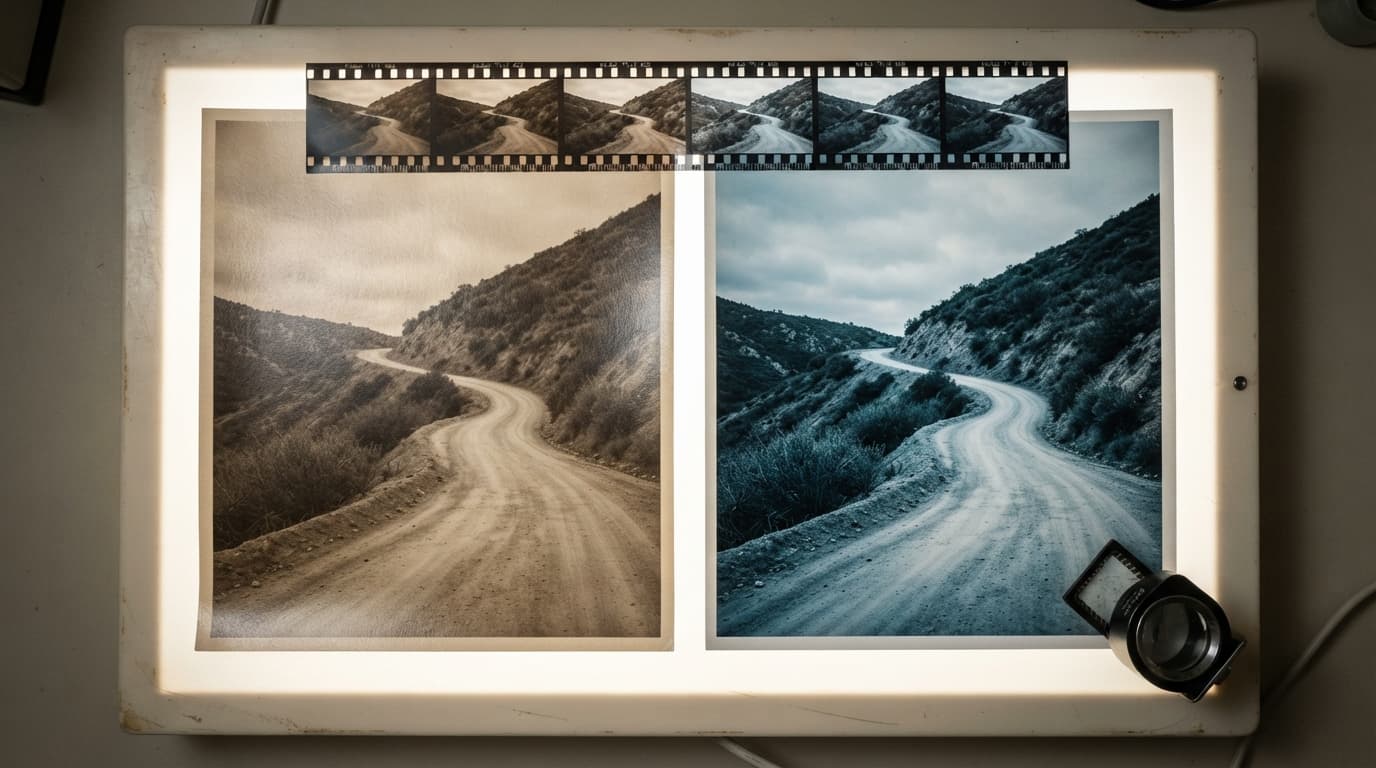
Film stock and LUT language: some of it carries
The honest answer here is partial. Era and stock language is documented practice, not folklore — Google writes "shot as if on 1980s color film, slightly grainy" into its own example, and lists film style keywords such as film noir as a style element, as our earlier prompting guide covers.
What our clip supports is narrower. We asked for "Kodak Vision3 250D character: soft highlight roll-off, gentle halation around the window." Something bloom-like appeared — a glow around the window, a flare artefact low in the opening frame — though calling it halation is our reading, not a measurement. The roll-off asked for in the same breath is there in the numbers: the highlights compress toward the ceiling without clipping through it. But a single render cannot tell us whether the stock name, the plain description, or neither did the work — an unclipped window is also just what this scene looks like. We have not run the controlled version of that test.
Our working rule of thumb:
- Visible properties carry. Grain, bloom, crushed or lifted blacks, low and high contrast, monochrome, heavy vignette — each names something you could point at in a still.
- Colour relationships mostly carry. "Teal shadows and orange skin" describes two measurable things; "teal and orange" alone is a grading fashion and gets treated as one.
- Looks named without being described are unreliable. "Cinematic," "film look" and "professional color grading" narrow nothing. "Bleach bypass" sits in between: it names a real process, so prompt what it does — very high contrast, desaturated colour, retained silver in the blacks.
- "Low contrast log" we would avoid: it is an acquisition curve meant to be graded afterwards, and there is no post step inside the model. You get a flat, milky image and no way back.
Atmosphere is free detail until it becomes noise
Suspended particles are the cheapest realism in the lighting vocabulary, because they make light itself visible. We asked for "dust suspended and turning through the beam" and the motes are there in all four frames we sampled — the effect Google reaches for with "Sunbeams illuminate dust motes in the air." Haze, fog, smoke and steam work the same way, turning a source into a volume with a shape and a falloff.
The failure mode is stacking. Fog plus god rays plus lens flare plus bokeh plus dust gives a frame where the atmosphere has eaten the subject, with no way for the model to know which of the five mattered. One atmospheric element per shot, serving the source you named. Request lens flare only when you want the audience to notice the camera — it arrives unbidden anyway when a lens points at low sun, as it did in ours.
The honest limit: you cannot dial anything back
Prompt language is nearly the only lever, and Google's Omni reference is explicit: "System instructions, temperature, top_p, stop sequences, and negative prompts are not supported." No guidance scale, no strength value on a style. If a grade comes back ten percent too warm, there is no ten percent to remove — you rewrite the sentence and the rest of the frame changes with it.
The second is repeatability. The same lighting prompt does not return the same light twice; determinism comes only from the seed. Record it with any look worth keeping, and expect one changed word to put you back in unknown territory.
The third is post. Editing prompts exist — Google offers "Change the lighting to be more dramatic" — but that regenerates the shot rather than colour-correcting it, and the model card warns that "Maintaining complete consistency throughout edits" is still a challenge. Grade the delivered file in your editor. Every frame carries a SynthID watermark nobody can switch off.
What it costs to iterate on light
Lighting is the part of a prompt you rewrite most, because there is nothing to nudge. So what matters is the cost of being wrong, and providers diverge most at 4K, where Gemini Omni 1.1 Flash is $0.18 per second on E2X against $0.3041 calling Google directly — about forty-one percent less, our largest gap on any tier. Above us sit WaveSpeed at $0.39 a second, Runware at $0.32 and fal at $0.30. Replicate stays out of the comparison — its listing attaches no per-second figure to the model. An eight-second 4K delivery is $1.44 here and $2.43 from Google; ten seconds is $1.80 against $3.04.
The gap is really a difference of multipliers against each ladder's own 720p rate. Both start a third below it and both add half again at 1080p; the split comes at the top rung, where Google's multiplier is three and ours is two. The full provider comparison is separate.
The workflow follows. Explore at 360p, where a four-second take is twelve cents and you can still judge source position, shadow direction, warm-cool separation and whether the practical stayed put. Then commit once: ten 360p passes plus one eight-second 4K master is $2.63, against $8.64 for the same eleven jobs at 4K. What 360p cannot show is fine texture — grain, bloom, roll-off — so test the film-stock half of a prompt at 720p, as we did.
Prices checked 29 August 2026 and subject to change; check each provider's current pricing before making a purchasing decision. A scoped comparison, not a claim to be cheapest in every configuration.
Common questions
How do you describe lighting in a Gemini Omni 1.1 Flash prompt?
Name physical sources rather than lighting roles. "Low sun through a west-facing window" beats "key light from camera left with soft fill." Google's own examples do the same — one scene is lit by "harsh fluorescent overhead lights and the green glow of the monochrome monitor": two fixtures with a colour and a quality, no departmental terms.
Does naming a film stock like Kodak Portra change the output?
Partly, and we cannot say how much comes from the name itself. We paired "Kodak Vision3 250D character" with explicit descriptions of halation and roll-off; something bloom-like appeared, and the highlights did hold under the ceiling rather than clipping. Neither result can be credited to the stock name without a render that omits it, which we have not done. Stock and era language is documented practice — Google's Veo 3.1 guide writes "shot as if on 1980s color film, slightly grainy" into an example — but name the stock and the properties you want.
Can you set colour temperature in Kelvin for Gemini Omni?
Not as a parameter, and Kelvin numbers in the prompt text are unreliable. Naming the bulb or the daylight condition works: tungsten, sodium vapour, fluorescent, candlelight, low sun. In our measurements a tungsten lamp read warmer than sunlight through a window in every frame containing both — relative colour between named fixtures is a real control even if the absolute number is not.
Why does the shadow side of my shot come out warm when I asked for cool?
Usually because something warm is actually hitting it. In our clip the wall readings ran from red-to-blue 2.15 down to 1.52, but the camera was arcing, so those are different surfaces rather than one wall cooling — and the warm ones were of a wall sitting inside a tungsten lamp's throw. The lesson holds either way: a surface reads as whatever reaches it. Give the cool half its own source, such as a window onto a blue evening sky or a monitor, rather than describing it as an absence of warmth.
Do practical lights stay consistent when the camera moves?
In our clip, yes. A table lamp came into frame partway through an arcing move and held its corner, its place against the skirting and the pool it threw on the wall in both frames where it sat clear of the edge. A visible fixture gives the model something concrete to keep true; a mood has no anchor and drifts fastest when the camera moves.
Will the same lighting prompt give me the same light twice?
No. Repeatability comes only from the seed, since sampling parameters are not exposed. Record the seed alongside any prompt that produced a look worth keeping, and expect one changed word to move the result even with the seed held.
How much does it cost to iterate on lighting at 4K?
An eight-second 4K clip is $1.44 on E2X against $2.43 direct from Google, and ten seconds is $1.80 against $3.04, as of 29 August 2026. Explore at 360p — twelve cents per four-second take — then commit once at the top: ten 360p passes plus one 4K master is $2.63, against $8.64 for the same eleven jobs at 4K.
Where to try this
The clip above ran through text-to-video at $0.09 a second at 720p; image-to-video and start-end-frame-to-video cost the same if you would rather hand the model a lit still. New to it? Start with the tag syntax and shot-count behaviour — a lighting prompt is wasted on a clip the model silently cut into three shots. And if your light must survive past ten seconds, extensions are their own problem.