 Image
Image googleNew
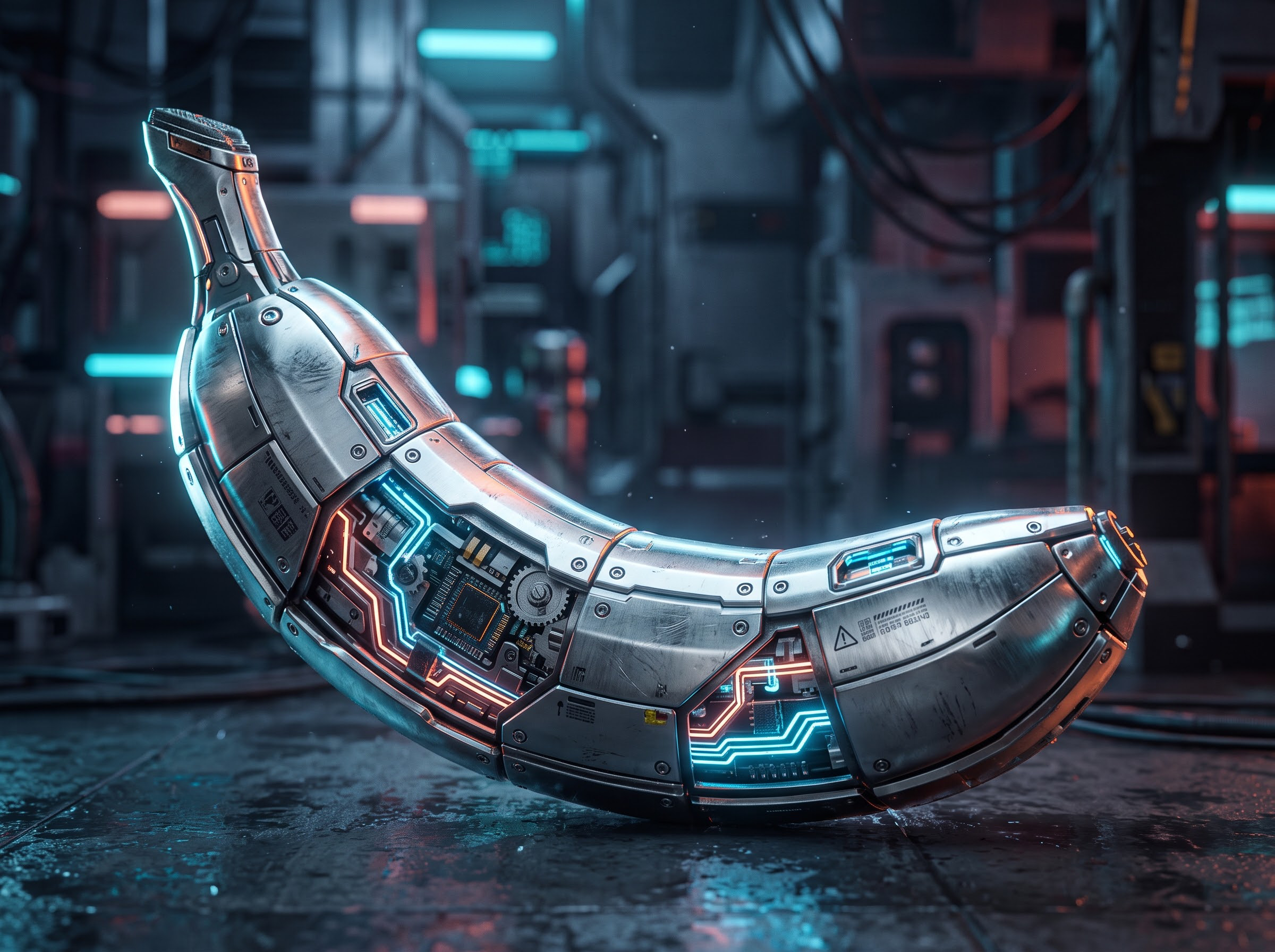
Nano Banana 2.1
Google Nano Banana 2.1 at the lowest price globally: $0.03 (1K), $0.04 (2K), $0.09 (4K) with 50% discount. 15 aspect ratios and high prompt fidelity.
- image
- nano-banana-2.1
$0.06$0.03-50%/ req
OpenAI's GPT Image 2 family for text-to-image generation and reference-based image editing via the OpenAI Images API.
Sign in to run models
No output yet
Run the model to see generated results.
import requests

result = requests.post(
    'https://api.e2x.ai/v1/jobs/submit',
    headers={
        'Authorization': f'Bearer {API_KEY}',
        'Content-Type': 'application/json'
    },
    json={
  'model': 'openai/gpt-image-2/text-to-image',
  'input': {}
}
)import time
job_id = result.json()['jobId']
while True:
response = requests.get(
f'https://api.e2x.ai/v1/jobs/{'{job_id}'}',
headers={'Authorization': f'Bearer {'{API_KEY}'}'}
)
data = response.json()['data']
if data['status'] == 'completed':
print('Done!', data['outputs'][0]['url'])
break
elif data['status'] == 'failed':
raise Exception(f"Job failed: {'{'}data['error']['message']{'}'}")
time.sleep(2)Discover more AI models for Text to Image
GPT Image 2 is OpenAI's gpt-image-2-2026-04-21, and it is the model we hand people when the words inside the picture have to be correct. We expose it as openai/gpt-image-2/text-to-image. At resolution=1K, our default, we charge $0.0525 per image whatever quality you send — against $0.211 for the comparable high-tier request on fal.ai.
Already have an image you want changed rather than replaced? GPT Image 2 edit-image takes references and an optional mask, same model and same rate card.
This is not a flat per-image charge, and only one of the two knobs moves your bill.
Resolution is the real lever: 1K is ×1, 2K is ×2, 4K is ×3.
Quality is a ×7 multiplier at every setting. low, medium, high and auto all land on the same number, so sending quality: "low" buys a worse image for the same money. That is a quirk in how our config maps the parameter, so there is no reason to send anything but high. The $0.0075 base rate you may see quoted applies only to a request carrying no quality field at all. It's the coefficient our pricing engine starts from, not the price of a finished image.
What you're actually billed, checked on August 26, 2026:
| Output size | E2X, any quality value | fal.ai (high) | vs. E2X |
|---|---|---|---|
| 1024×1024 (1K, our default) | $0.0525 | $0.211 | we're 75% lower |
| 2560×1440 (2K) | $0.105 | $0.222 | we're 53% lower |
| 3840×2160 (4K) | $0.1575 | $0.401 | we're 61% lower |
Look at the shape of that before you commit a budget. fal barely charges more for 2K than 1K — $0.211 against $0.222 — while our price doubles. Our advantage is widest at 1K and narrows as you climb.
OpenAI itself can't go in the table: it bills by tokens, so no official per-image figure exists, and any number you see elsewhere is somebody's calculator output. We date-stamp our rows because we re-check them.
Prices and product terms can change. Check each provider's current pricing before making a purchasing decision. Google Batch or Flex pricing is not directly equivalent to a standard on-demand API request because scheduling, availability, and processing conditions differ; it is therefore excluded from this comparison. This is a scoped comparison, not a claim that E2X is the world's cheapest option in every configuration.
Most image models still turn body copy into decorative squiggles that look like letters from three metres away. This one doesn't, and that single capability is why it sits at a premium tier in our catalog. What it holds up under:
Two things ship alongside it. Resolution reaches 4K, a real jump from GPT Image 1's 1536px ceiling, and background: "transparent" gives you a cut-out without a matting pass — PNG or WebP only, since JPEG has no alpha channel.
The model runs on O-series reasoning, planning the composition and self-checking before it renders. Quality first. That's why it's slower than a flash-tier model, and why we publish a 60-second ETA here instead of promising you three.
Create a key in your dashboard, keep it server-side. prompt is the only required field.
curl -X POST https://api.e2x.ai/v1/jobs/submit \
  -H "Authorization: Bearer YOUR_API_KEY" \
  -H "Content-Type: application/json" \
  -d '{
    "model": "openai/gpt-image-2/text-to-image",
    "input": {
      "prompt": "Recruitment poster for a coastal bakery. Headline reads FLOUR & SALT in condensed sans. Below it, four lines of 9pt body copy listing open roles. Warm paper texture, single ink colour.",
      "aspect_ratio": "2:3",
      "resolution": "2K",
      "quality": "high"
    }
  }'
We return a job ID. Poll it, or send a webhookUrl and skip the loop.
const headers = {
  Authorization: `Bearer ${process.env.E2X_API_KEY}`,
  "Content-Type": "application/json",
};

const submitted = await fetch("https://api.e2x.ai/v1/jobs/submit", {
  method: "POST",
  headers,
  body: JSON.stringify({
    model: "openai/gpt-image-2/text-to-image",
    input: {
      prompt: "Square app store screenshot. Device mockup on a mint field. Caption bar at the bottom in Japanese and English, both fully legible.",
      aspect_ratio: "1:1",
      resolution: "1K",
      quality: "high",
      background: "transparent",
    },
  }),
}).then((r) => r.json());

const jobId = submitted.data.jobId;

while (true) {
  const job = await fetch(`https://api.e2x.ai/v1/jobs/${jobId}`, { headers })
    .then((r) => r.json());
  if (job.data.status === "completed") {
    console.log(job.data.outputs[0].url);
    break;
  }
  if (job.data.status === "failed") {
    throw new Error(job.data.error?.message || "Generation failed");
  }
  await new Promise((r) => setTimeout(r, 3000));
}
Status walks pending → processing → completed, or halts at failed or cancelled. Watch the casing — resolution values are uppercase 1K, 2K, 4K. Our aspect ratio default is 1:1, and the enum runs wide, 21:9 down to 1:3. The machine-readable spec carries the current schema and price.
Five generators in this category, and GPT Image 2 is the expensive one. Sometimes that's right. Often it isn't.
| Model | Price / image | Pick it when |
|---|---|---|
| GPT Image 2 | $0.0525 (high/1K) | Readable text, packaging, 4K, transparency |
| Nano Banana Pro | $0.075 | Portrait realism, several references held consistent |
| Nano Banana 2 | $0.04 | Current-generation quality at a working price |
| Nano Banana 2 Lite | $0.0238 | Volume, speed, simple scenes |
| Nano Banana (legacy) | $0.0312 | An older integration you haven't migrated |
The split is narrow but real. If type has to be readable, come here. For faces, or one character held consistent across several references, Nano Banana Pro is stronger and we'll happily take your money over there. For a hero image or a background plate, Nano Banana 2 does the job at three-quarters of our rate and finishes sooner.
One more, since we'd rather say it than have you find out: Nano Banana 2 Lite is cheaper and newer than the legacy Nano Banana. Still on the old slug? Migrating is free money. The rest sits in the text-to-image category and the model catalog.
The reasoning pass rewards specification and punishes vagueness. Quote your copy exactly and say where it goes: "headline reads 'FLOUR & SALT', centred, upper third" gets that string, while "a bakery poster with some text" gets plausible nonsense in a nice typeface. Describe layout as layout — top band, left column, footer rule. The planner honours a spatial brief.
Set transparency with background: "transparent", not with a sentence. Three size rules from OpenAI, worth knowing before a rejection: both edges multiples of 16, longest edge under 3840px, aspect ratio no wider than 3:1.
Every image from this model carries two provenance layers, and neither is optional at any quality tier.
First, C2PA metadata identifying the output as generated by ChatGPT Images — X, Meta, LinkedIn and TikTok read it and attach a "Made with AI" label on upload. Second, a newer imperceptible pixel watermark in the image data itself, which survives the metadata stripping people try first.
We can't remove either, and neither can anyone else reselling this model. We do not offer white-label output on GPT Image 2. If a client contract prohibits AI-labelled assets, settle that before you build here.
And the budgeting trap, once more: quality is not a cost dial. Dropping to low for draft passes is a habit from other platforms; here it burns the same $0.0525 while degrading exactly the text rendering you came for. Control spend with resolution — draft at 1K, ship at 2K or 4K.
OpenAI's image generation model, snapshot gpt-image-2-2026-04-21, released 21 April 2026 as the successor to GPT Image 1.5. It uses O-series reasoning to plan a composition before rendering, and its standout capability is accurate in-image text at small sizes and across languages.
$0.0525 per image at our defaults, quality=high and resolution=1K. 2K doubles that to $0.105, 4K triples it to $0.1575. Those were our rates at the August 26, 2026 check.
Because $0.0075 is our unmultiplied base rate, and it applies only to a request carrying no quality field at all. Any quality value multiplies it by seven, and resolution multiplies again on top. Quote the configuration you're actually sending, or your cost model lands off by a factor of seven.
No. Our multiplier is ×7 for low, medium, high and auto alike, so every one of them bills $0.0525 at 1K. Sending low costs the same and returns less. Resolution is the parameter that actually changes your bill.
At every resolution we checked, yes. At 1024×1024 it's $0.0525 with us against $0.211 there, 75% lower; at 2K, $0.105 against $0.222, 53% lower; at 4K, $0.1575 against $0.401, 61% lower. OpenAI itself bills per token rather than per image, so there's no official list price to compare against directly.
Yes, in two ways: C2PA metadata that social platforms read to apply "Made with AI" labels, plus an imperceptible pixel watermark baked into the image data. Both are present at every quality tier, and no provider — us included — can switch them off.
Pick GPT Image 2 when the image contains text a human will read: packaging, infographics, UI, posters. Pick Nano Banana Pro when you need portrait realism or a consistent character across multiple reference images. They cost roughly the same at 1K, so choose on strength, not budget.

