2026년 가장 사실적인 AI 이미지 생성 모델: 랩 테스트 및 프롬프트 가이드
AI가 생성한 가짜 사진을 첫눈에 알아채는 사람은 거의 없습니다. 어색함을 느끼는 순간은 두 번째로 자세히 볼 때, 즉 시선이 머문 지 약 4초 후입니다. 조명, 피부 질감, 또는 배경 속 물체가 물리 법칙에 맞지 않는다는 사실을 깨닫는 순간입니다.
그 4초의 틈에서 포토리얼리즘의 성패가 갈립니다. 당사는 통합 API를 통해 Google과 OpenAI의 이미지 생성 모델에서 매일 수십만 건의 생성을 처리하고 있습니다. 2026년 9월 현재, 거의 모든 현행 모델 티어가 스크롤 중에 얼핏 보면 진짜 같은 이미지를 만들어낼 수 있습니다. 실제 카메라로 찍은 사진과 인공적인 3D 렌더링을 가르는 요소는 크게 세 가지입니다. 광학적 원리에 기반한 프롬프트 설계, 엄격한 점검 루틴, 그리고 결과물에 맞는 최적의 모델 티어 선택입니다.
본 가이드에서는 랩 테스트 결과를 바탕으로 AI 이미지에 사실성을 부여하는 핵심 요소, 주요 모델별 심층 비교, 물리적으로 정확한 사진을 얻기 위한 프롬프트 기법을 정리해 드립니다.
사실성의 본질이 '모델'에서 '프롬프트'로 옮겨간 이유
2년 전만 해도 "포토리얼리스틱한 AI 생성기"를 고르는 것은 브랜드 선택의 문제였습니다. 엔트리 모델과 플래그십 모델의 격차는 썸네일 크기에서도 확연히 드러났습니다. 밀랍 인형 같은 부자연스러운 피부, 뭉개진 손가락, 실제 렌즈에서는 볼 수 없는 비현실적인 색수차, 평평한 조명 등이 대표적이었습니다.
하지만 2026년 하반기 현재 기본 모델 가중치의 완성도가 크게 높아졌습니다. 호출당 $0.0238인 엔트리 티어 Nano Banana 2 Lite조차도 메인 피사체를 놀랍도록 설득력 있게 표현합니다. 저가 티어와 플래그십 모델의 실제 격차는 배경과 주변 디테일, 복잡한 굴절 표면에서의 빛 반사, 프레임 전반의 미세한 불완전함을 얼마나 정교하게 처리하느냐에 있습니다.
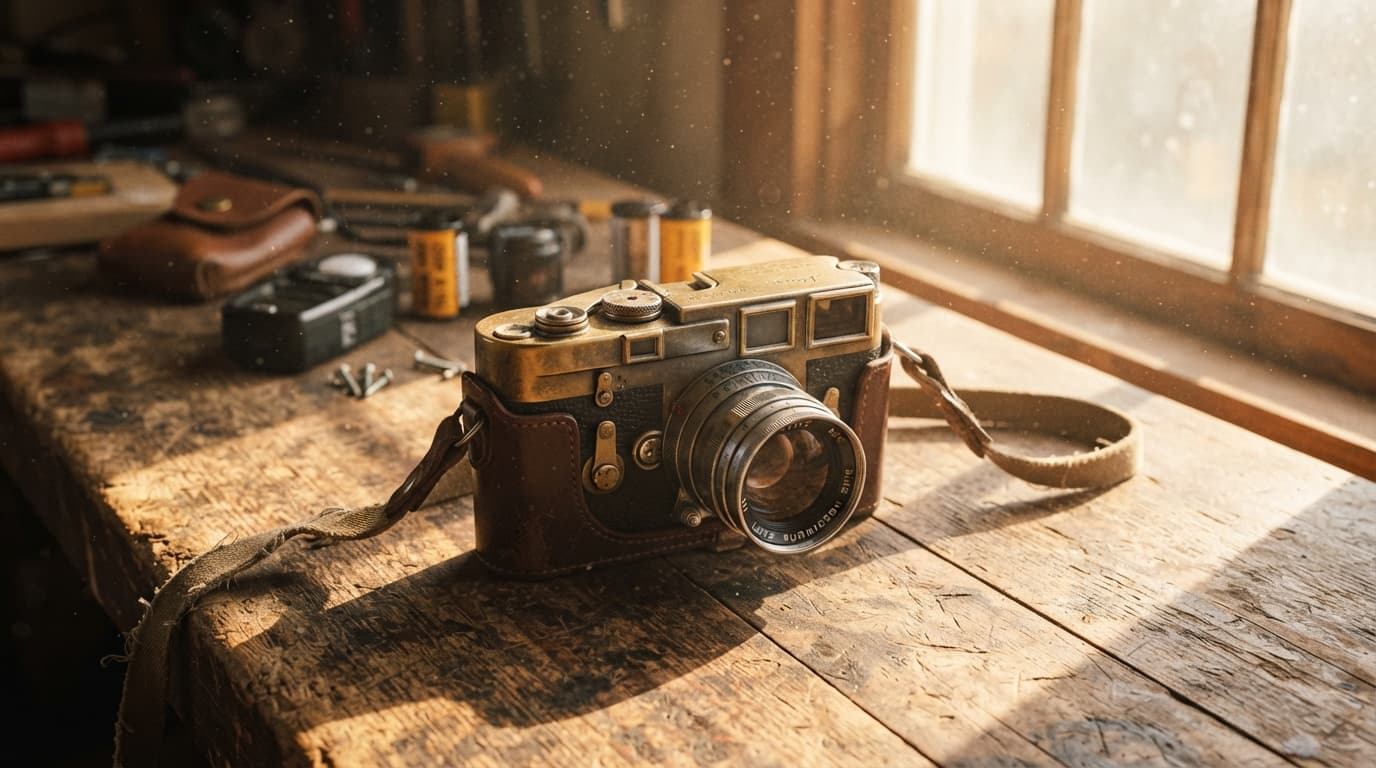
테스트 프롬프트:
Editorial photograph of a vintage 35mm rangefinder camera resting on a weathered cedar workbench,
golden afternoon window light casting warm hard shadows and illuminating fine airborne dust motes,
shallow depth of field, authentic brass patina and subtle surface scratches, shot on 50mm f/1.4 lens
최신 모델들은 기본적으로 결점 없이 지나치게 깔끔한 구도를 출력하려는 경향이 있습니다. 따라서 실제 사진 같은 결과를 얻으려면 프롬프트 엔지니어링과 엄격한 품질 필터링이 필수적입니다. 정교하게 설계된 프롬프트는 사진의 진실성을 만들고, 무분별한 수식어는 인위적인 디지털 광택을 만듭니다.
7가지 포토리얼리즘 점검 체크리스트
생성된 이미지를 클라이언트 납품, 광고 캠페인, 편집 레이아웃에 사용하기 전에 100% 원본 배율에서 60초간 다음 항목들을 점검하십시오.
| 점검 항목 | AI 가짜 이미지의 특징 | 실제 사진의 특징 |
|---|---|---|
| 1. 피부 미세 질감 | 에어브러시로 민 듯한 밀랍 질감, 모공 없는 균일한 블러 | 선명한 모공, 주근깨, 미세 주름, 미세 혈관, 자연스러운 좌우 비대칭 |
| 2. 방향성 있는 조명 | 다방향에서 오는 부드러운 발광, 모순되는 그림자 각도 | 물리적으로 일관된 반사광과 그림자를 가진 명확한 단일 주광원(키 라이트) |
| 3. 광학적 피사계 심도 | 배경 전체에 균일하게 적용된 디지털 가우시안 블러 | 초점면 기준 완만한 심도 감쇠, 광학 렌즈 수차, 조리개 형태의 보케 |
| 4. 표면 마모 및 세월의 흔적 | 공장 출고 직후 같은 무결점 표면, 거울처럼 깨끗한 질감 | 미세한 흠집, 먼지 입자, 세월의 파티나, 물자국, 모서리 마모, 촉감 있는 마찰 흔적 |
| 5. 배경의 구조적 일관성 | 배경 물체가 추상적인 기하학적 덩어리로 뭉개짐 | 책등의 식별 가능한 형태, 직선의 건축 구조, 일관성 있는 소품 배치 |
| 6. 재질 굴절 및 유리 표현 | 단순한 불투명 덩어리 또는 커스틱스 없는 평평한 투명감 | 굴절 커스틱스 광선, 내부 미세 기포, 자연스러운 색수차 굴절 |
| 7. 말단부 및 해부학적 구조 | 복사해 붙인 듯한 손톱, 고무 같은 관절, 주름 결락 | 해부학적으로 정확한 힘줄 긴장감, 자연스러운 큐티클 및 피부 주름 |
1. 피부 미세 질감과 얼굴의 좌우 비대칭
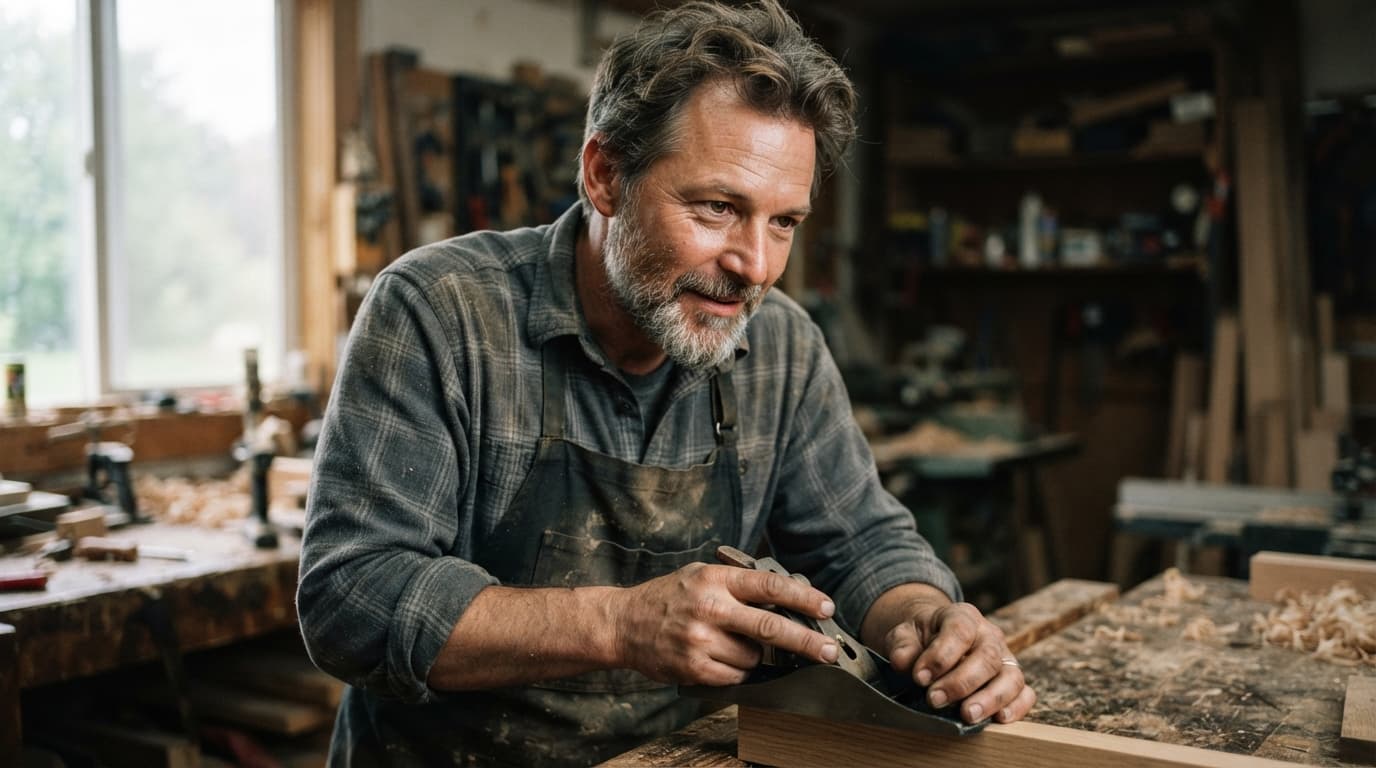
사람의 얼굴은 본래 비대칭입니다. AI 생성 인물 사진이 어색한 이유는 얼굴 좌우가 지나치게 대칭을 이루거나 과도한 주파수 분리(frequency-separation) 리터칭을 적용한 것처럼 매끄럽기 때문입니다. 광대뼈와 콧등을 100%로 확대해 보십시오. 실제 모공, 잔털, 피부 톤의 미세한 편차가 확인되어야 합니다.
2. 빛의 방향과 그림자의 물리적 일관성
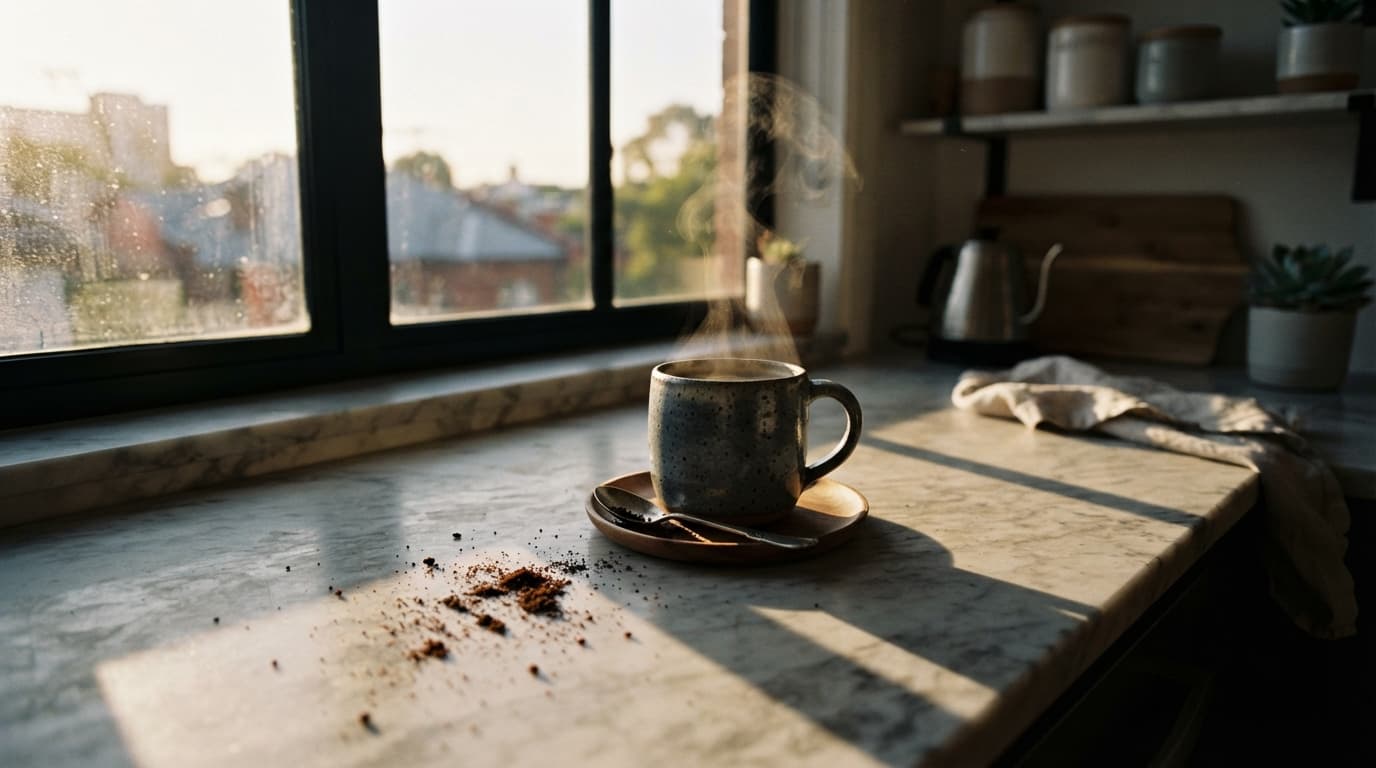
이미지에서 가장 밝은 하이라이트를 찾아 광원의 위치를 추적하십시오. 그런 다음 프레임 내의 모든 그림자를 확인하십시오. 햇빛이 카메라 오른쪽에서 들어온다면 인물 왼쪽의 그림자 각도, 부드러움, 길이는 바닥 및 배경 소품의 그림자와 완벽히 일치해야 합니다.
3. 실제 광학 렌즈의 피사계 심도
카메라 렌즈는 단순한 블러 필터를 균일하게 덮지 않습니다. 물리적인 초점면(focal plane)을 형성합니다. 초점면 앞뒤의 물체는 거리에 따라 서서히 선명도를 잃으며, 초점이 맞지 않는 배경 광원은 조리개 형태에 맞는 원형이나 다각형 보케로 맺힙니다.
프롬프트 규칙: AI 이미지를 실제 사진처럼 만드는 법
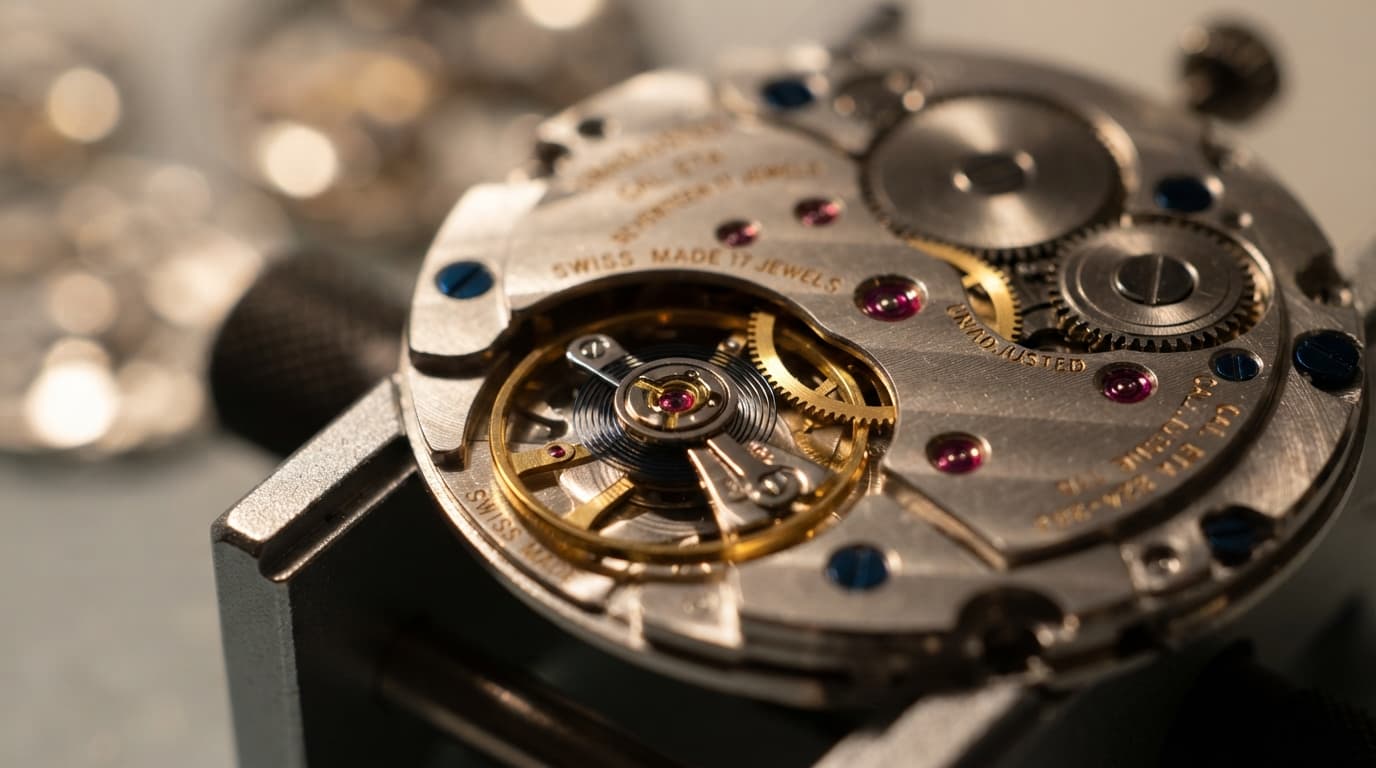
실패한 AI 사진 생성물의 대부분은 동일한 원인에서 비롯됩니다. 바로 '프롬프트 인플레이션(Prompt Inflation)'입니다. "photorealistic, 8k, hyperrealistic, octane render, masterpiece, trending on artstation" 같은 유행어를 프롬프트에 채워 넣으면 사실성이 오히려 저하됩니다. 최신 학습 데이터셋에서 이러한 단어들은 3D 디지털 아트, 비디오 게임 렌더링, 과보정된 그래픽 이미지와 밀접하게 연결되어 있기 때문입니다.
진짜 사진처럼 보이는 AI 이미지를 만들려면 사진작가가 실제 촬영 환경을 세팅하듯 물리적 장면을 서술하십시오.
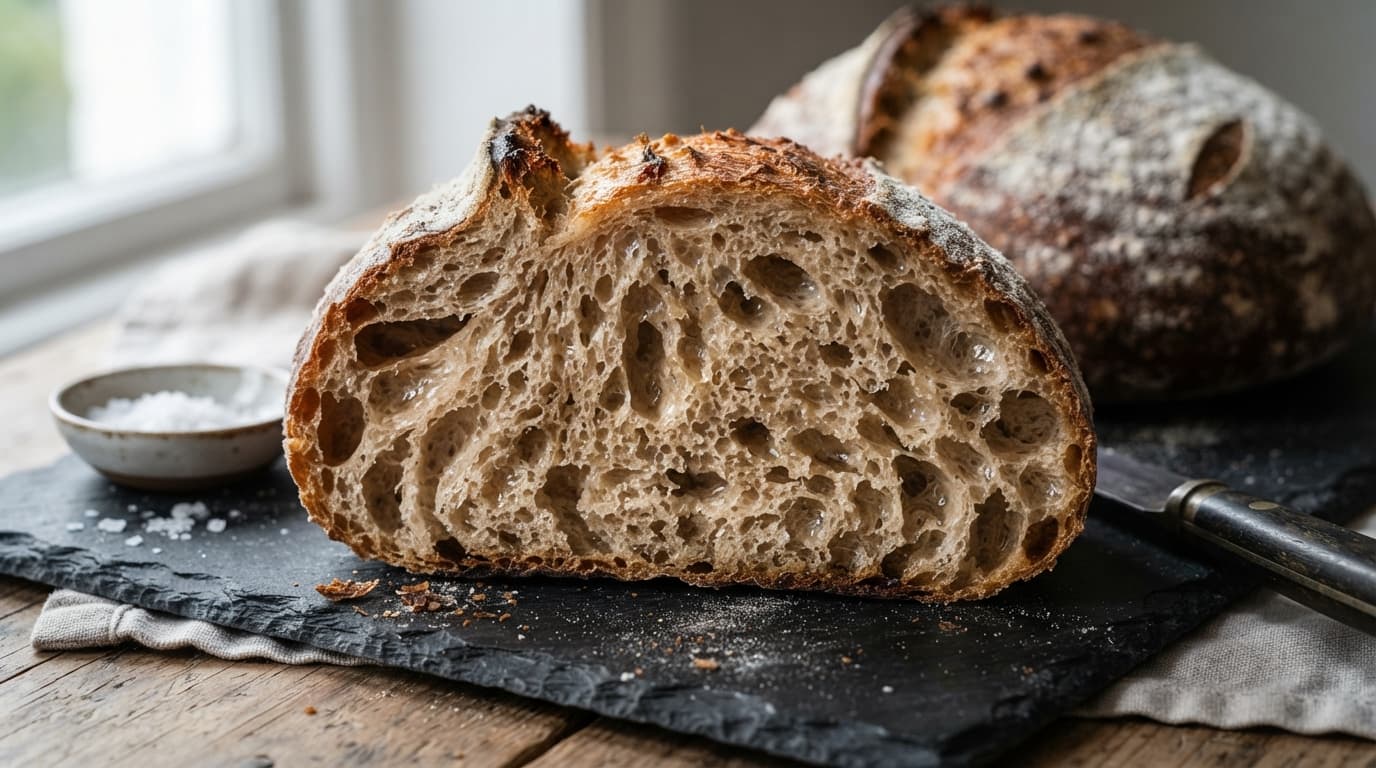
규칙 1: 실제 카메라 바디, 초점거리, 렌즈를 명시할 것
단순히 "클로즈업"이라고 쓰는 대신 초점거리와 조리개 값을 구체적으로 지정합니다:
- 인물 사진:
85mm f/1.8 lens또는105mm f/2.8 macro - 스트리트 및 다큐멘터리:
35mm f/1.4 lens - 에디토리얼 및 정물:
50mm f/2 prime lens - 건축 및 인테리어:
24mm architectural tilt-shift lens
테스트 프롬프트:
Architectural documentary photograph of a raw brutalist concrete staircase corner,
rough aggregate texture, subtle rainwater drip stains, sharp geometric afternoon shadow patterns,
natural daylight, shot on 24mm architectural tilt-shift lens
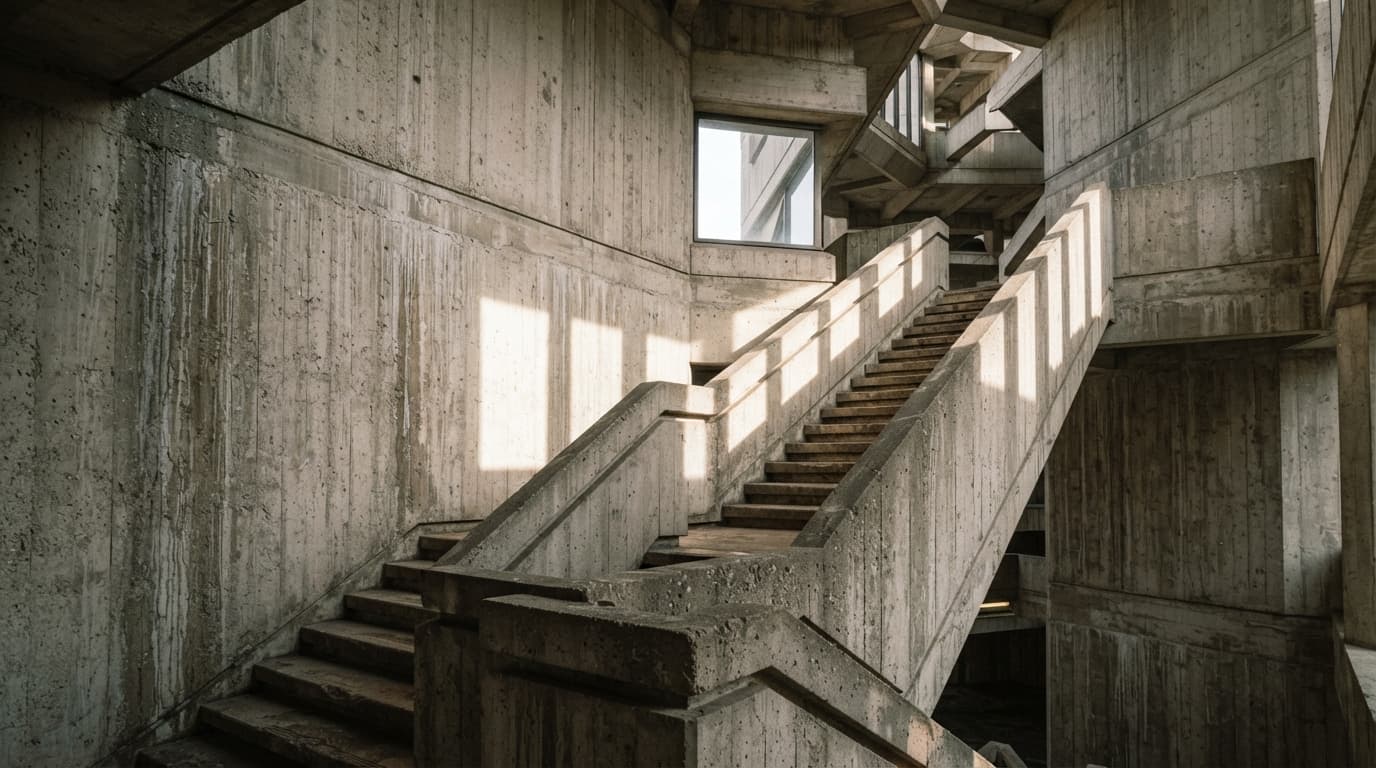
규칙 2: 조명을 명확한 단일 광원에 고정할 것
구체적인 조명 환경과 시간대를 명시합니다:
"Single directional window light from camera left, overcast afternoon, no fill light"(카메라 왼쪽 단일 방향 창빛, 흐린 오후, 보조광 없음)"Direct morning sunlight streaming at a 30-degree angle, hard shadows"(30도 각도로 비치는 직사 아침 햇살, 강한 그림자)"Atmospheric sodium vapor street lamp overhead, soft blue hour ambient fill"(머리 위의 나트륨 가로등 조명, 블루아워의 부드러운 환경광)
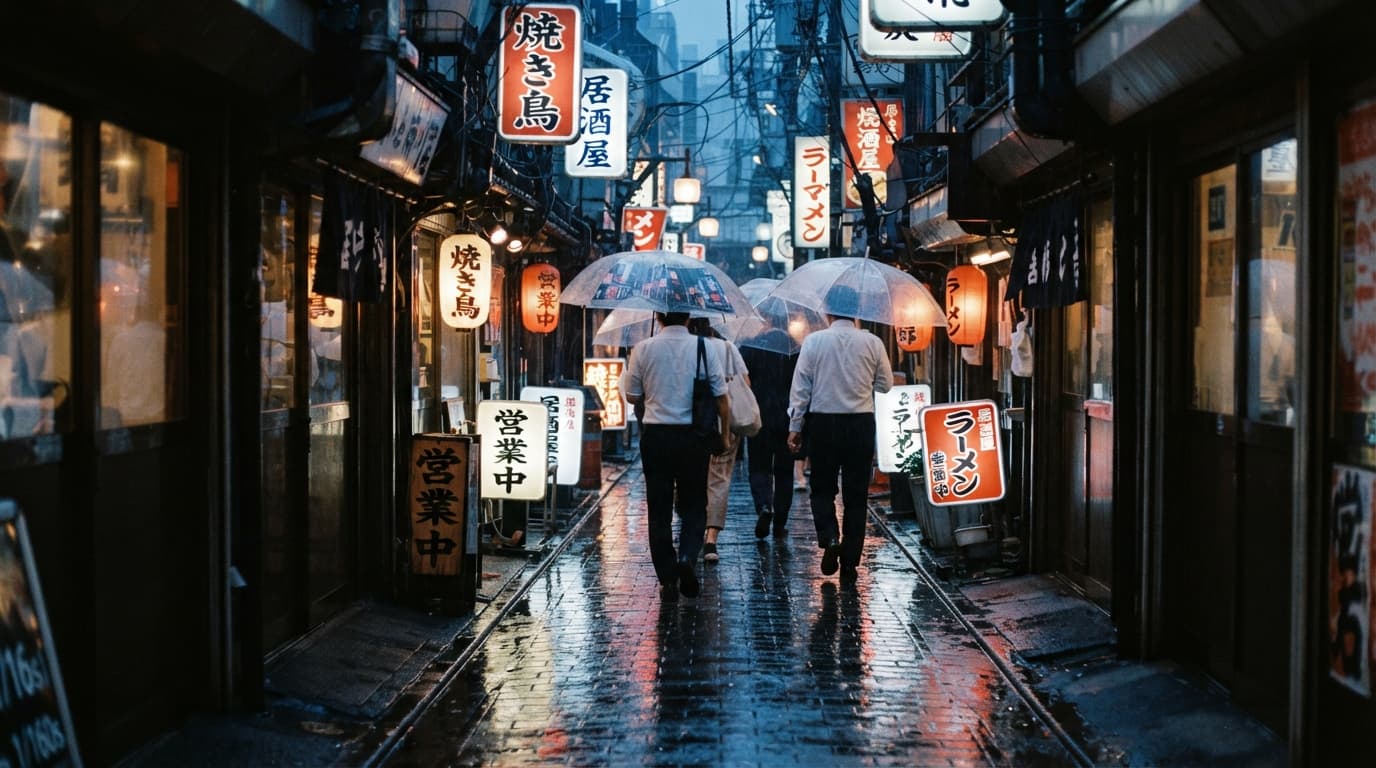
규칙 3: 물리적 결함과 사용 흔적을 명시적으로 요구할 것
AI 모델은 기본적으로 결점 없는 완벽한 상태를 생성하려고 합니다. 프롬프트에 질감적 결함을 직접 입력하여 이를 보정하십시오:
- "Subtle surface scratches, brass patina along metal edges, fine dust motes in the light beam" (미세한 표면 긁힘, 금속 모서리의 황동 파티나, 빛줄기 속 먼지 입자)
- "Micro-wrinkles around the eyes, visible skin pores, flyaway hairs, natural slight asymmetry" (눈가 미세 주름, 보이는 모공, 삐져나온 잔머리, 자연스러운 비대칭)
- "Faint swirl marks on dark car paint, subtle water spots, chrome reflections in open shade" (어두운 차체 도장의 스월 마크, 미세한 물자국, 그늘 속 크롬 반사)
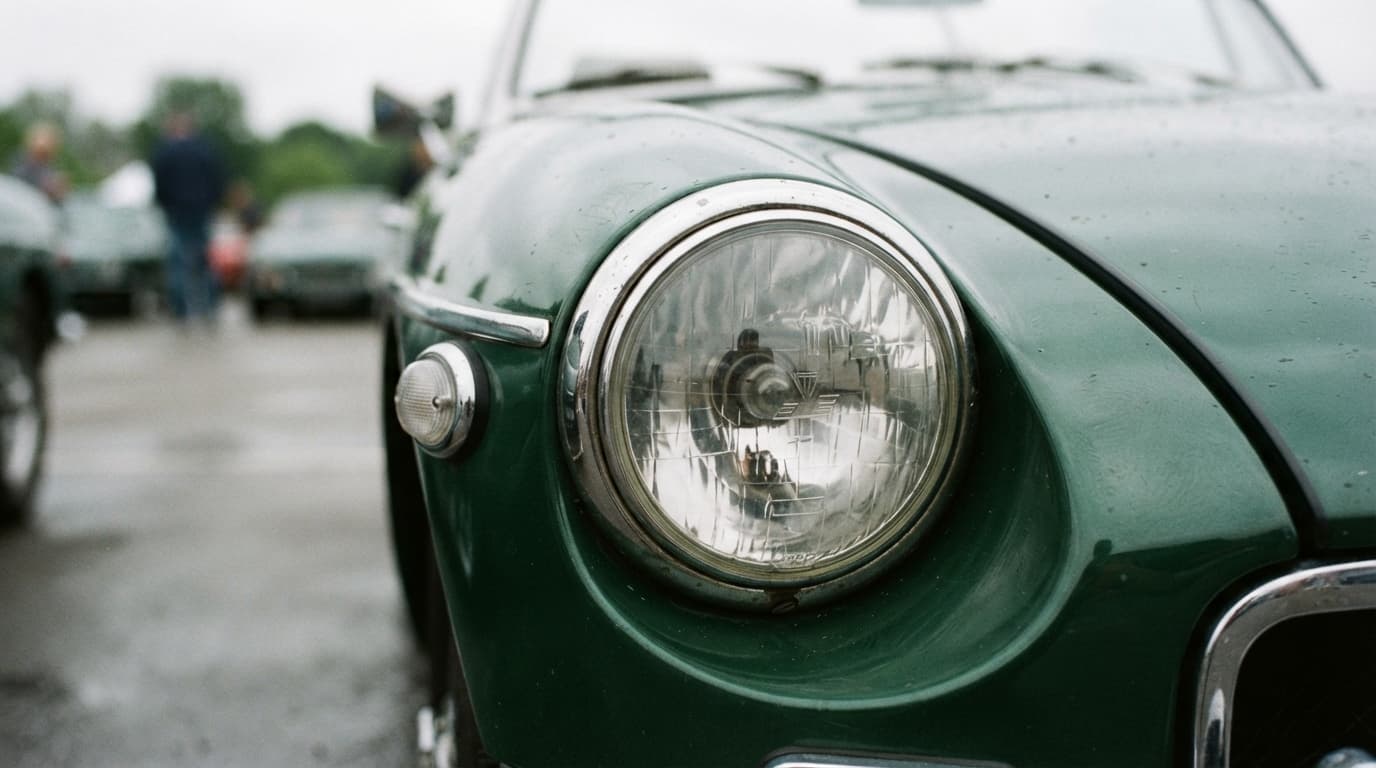
규칙 4: 재질의 물리적 특성과 투명도를 구체화할 것
유리, 액체, 금속을 생성할 때는 광학적 특성을 묘사하십시오:
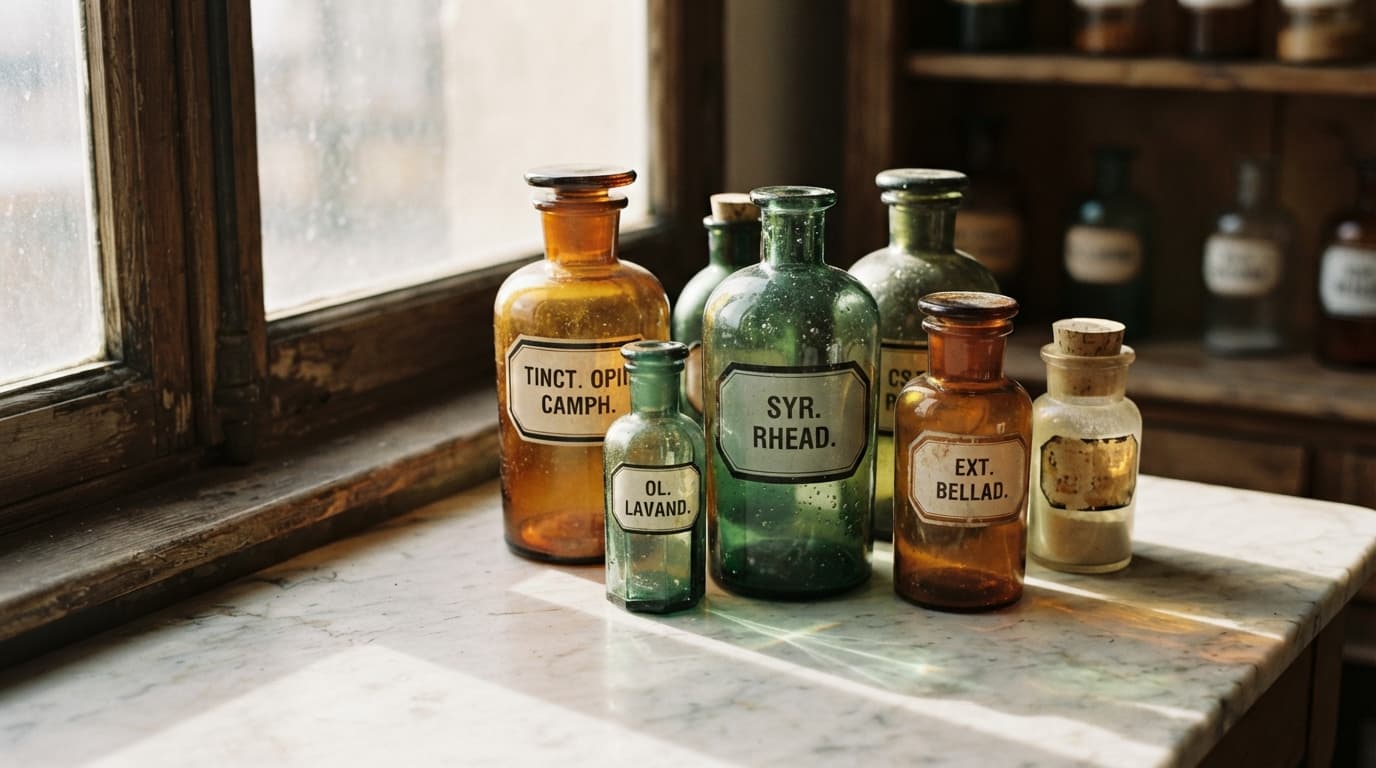
- "Hand-blown glass with micro air bubbles, refractive caustic light patterns cast on marble" (미세 기포가 있는 수제 블로잉 유리, 대리석 위에 맺히는 굴절 커스틱스 광패턴)
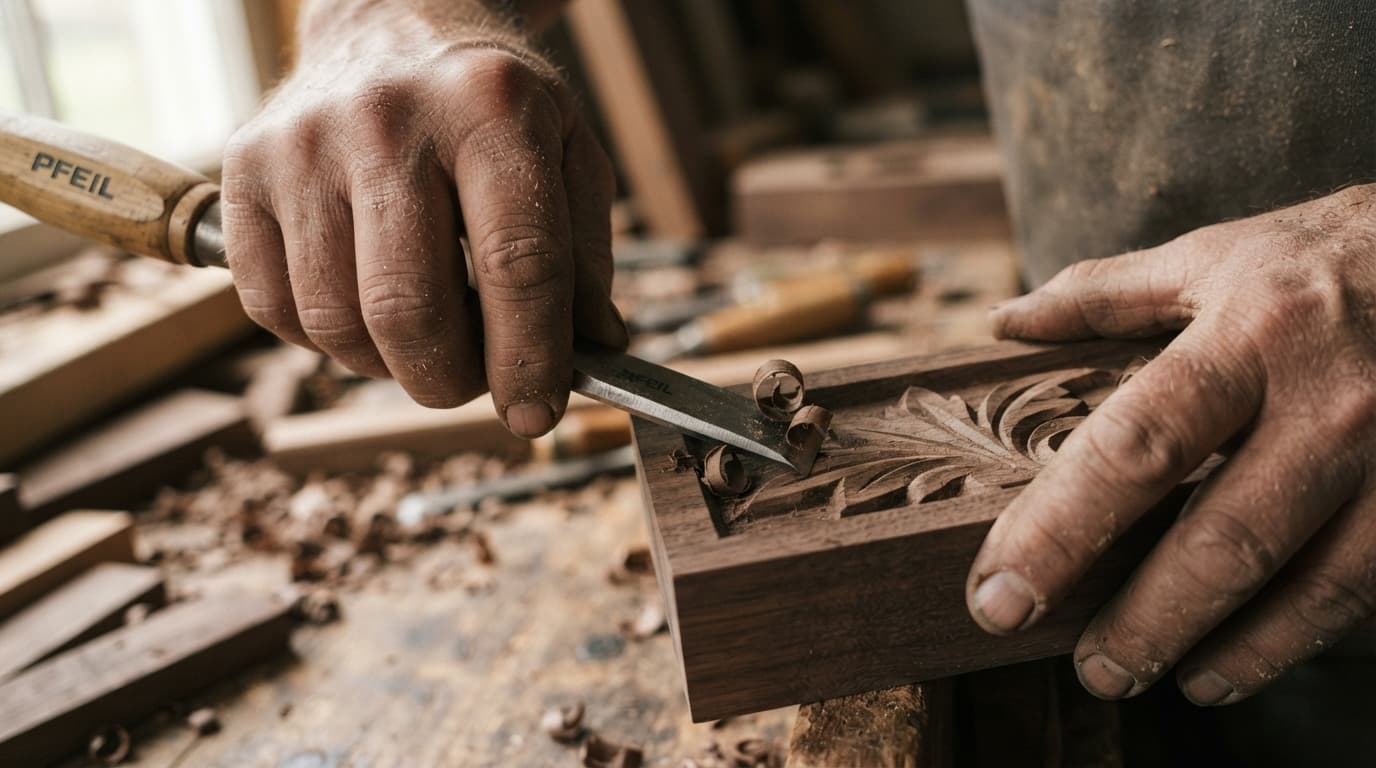
- "Curling wood shavings, fine sawdust settled into skin creases and fingernails" (말려 있는 대팻밥, 피부 주름과 손톱 사이에 낀 미세한 톱밥)
2026년 모델 비교: 어떤 모델을 선택해야 하는가
포토리얼리즘, 미세 텍스처 렌더링, 텍스트 생성 능력, 상용 프로덕션 비용을 기준으로 주요 모델을 평가했습니다. 2026년 9월 기준 모델별 비교는 다음과 같습니다.
| 모델 티어 | API 제공사 | 가격 (1K 이미지 기준) | 최적 용도 | 사실성 강점 |
|---|---|---|---|---|
| Nano Banana Pro | Google (gemini-3-pro-image) | $0.075 (1K 및 2K 동일) | 메인 히어로 배너, 인쇄물, 고해상도 상용 에셋 | 멀티패스 구도 기획, 배경 디테일의 높은 완성도 |
| Nano Banana 2 | Google (gemini-3.1-flash-image) | $0.040 (최대 4K 지원) | 에디토리얼, SNS 마케팅, 다중 참조 일관성 유지 | 최대 14개 참조 이미지 지원, 빠른 속도와 정확한 지시 이행 |
| Nano Banana 2 Lite | Google (gemini-3.1-flash-lite-image) | $0.0238 | 대량 배치 생성, 프로그래머틱 미디어 | 독보적인 가성비, 다양한 화면 비율 지원 |
| GPT Image 2 | OpenAI (gpt-image-2) | $0.0525 | 제품 누끼 컷, 투명 PNG 에셋, 파노라마 | 네이티브 투명 배경 지원 (background: transparent), 15종 종횡비 |
| Flux 2 (Dev / Schnell) | Black Forest Labs | 사용량 기반 / 자체 호스팅 | 오픈 가중치 파이프라인, 정밀한 프롬프트 반영 | 필름 원본 같은 질감, 과도한 피부 뭉개짐 없음 |
| Midjourney v7 / v6.1 | Midjourney Inc. | 월 구독제 ($10~$60/월) | 단독 크리에이티브 작업, 시네마틱 아트 | 강력한 예술적 기본값, 단 공식 개발자 API 부재 |
1. Nano Banana Pro (gemini-3-pro-image)
대형 모니터에서 전체 해상도로 검토하거나 잡지 등의 인쇄물에 사용될 이미지라면 Nano Banana Pro를 추천합니다. Pro 모델은 최종 프레임을 생성하기 전 공간 구도에 대한 사전 기획 패스를 실행하므로 배경 속 물체가 왜곡되거나 뭉개지지 않습니다.
가격 팁: E2X에서는 1K 해상도와 2K 해상도가 호출당 $0.075로 동일합니다. Pro 모델을 사용할 때는 항상 2K 해상도를 요청하십시오.
2. Nano Banana 2 (gemini-3.1-flash-image)
이미지당 $0.040인 Nano Banana 2는 상용 비즈니스 작업의 90%를 완벽하게 커버합니다. 복잡한 다중 조건 프롬프트를 정밀하게 반영하며, 캐릭터 및 제품 일관성 유지를 위해 최대 14개의 참조 이미지를 지원합니다. 최대 4K 해상도($0.080)까지 확장 가능합니다. 웹 압축이 적용되는 디지털 미디어 환경에서는 Pro 모델과의 시각적 차이가 사실상 구분되지 않습니다.
3. Nano Banana 2 Lite (gemini-3.1-flash-lite-image)
수천 장 단위의 제품 목업, 프로그래머틱 블로그 썸네일, 소셜 피드 이미지를 생성해야 한다면 $0.0238의 Nano Banana 2 Lite가 가장 합리적인 선택입니다. 본 가이드에 수록된 10장의 벤치마크 사진은 모두 E2X API를 통해 Nano Banana 2 Lite로 직접 렌더링되었습니다. 1,000장의 사진급 에셋을 생성하는 데 단 $23.80만 소요됩니다.
4. GPT Image 2
GPT Image 2는 카탈로그 중 유일하게 background: transparent 파라미터를 통해 배경이 투명한 PNG 출력을 직접 지원하는 모델입니다. 1K 이미지당 $0.0525로, 이커머스용 제품 누끼 촬영 컷이나 3:1 비율의 울트라 와이드 파노라마 제작에 최적화되어 있습니다.
5. 대안 모델: Flux 2, Midjourney v7, SD 3.5
Google과 OpenAI 외에도 주목할 만한 사진적 완성도를 제공하는 독립 모델들이 있습니다:
- Flux 2 (Flux 2.0 / Dev): 뛰어난 텍스트 렌더링 능력과 인위적인 후가공 느낌이 없는 자연스러운 필름 톤의 피부 표현으로 정평이 나 있습니다. 현재 E2X 통합 API 카탈로그 탑재를 위해 내부 테스트 하네스에서 검증을 진행 중입니다.
- Midjourney v7 / v6.1: 뛰어난 시네마틱 대비와 감각적인 프레이밍을 기본 제공합니다. 다만 개발자 친화적인 API가 없고 구독제 형태로만 운영되어 자동화 파이프라인 구축에는 한계가 있습니다.
- Stable Diffusion 3.5 Large: ControlNet 및 LoRA 미세 조정을 지원하여 전문 스튜디오 환경에 적합한 강력한 오픈 아키텍처 모델입니다.
실무 적용을 위한 추천 워크플로우
- 고해상도 랜딩 페이지 메인 히어로 이미지: Nano Banana Pro 2K 해상도 ($0.075)
- 일반 블로그 포스트 및 에디토리얼 콘텐츠: Nano Banana 2 ($0.040)
- 대량 자동화 생성 및 프로그래머틱 미디어: Nano Banana 2 Lite ($0.0238)
- 투명 배경 이커머스 제품 컷: GPT Image 2 (
background: transparent설정)
프롬프트 구조에 대한 보다 자세한 내용은 Nano Banana 프롬프트 작성 가이드와 4종 모델 비교 분석을 참조하십시오. E2X 모델 카탈로그의 Text-to-Image 모델 목록에서 모든 티어를 확인하실 수 있습니다.
자주 묻는 질문 (FAQ)
2026년에 가장 사실적인 AI 이미지 생성기는 무엇인가요?
정밀한 디테일 검토와 대형 디스플레이 출력 환경에서는 Google의 Nano Banana Pro(gemini-3-pro-image)가 가장 뛰어난 공간적 일관성과 배경 완성도를 제공합니다. 대량 제작 환경에서는 Nano Banana 2 및 Nano Banana 2 Lite가 훨씬 저렴한 비용($0.0238~$0.040)으로 실물 사진과 구분이 어려운 품질을 냅니다.
AI 이미지를 실제 사진처럼 보이게 만들려면 어떻게 프롬프트를 작성해야 하나요?
"photorealistic", "8k", "hyperrealistic" 같은 모호한 수식어를 피하십시오. 대신 구체적인 카메라 장비(예: "50mm f/1.4 lens on Portra 400"), 명확한 단일 방향 광원(예: "morning window light at 45 degrees"), 표면의 물리적 결함(예: "visible pores, flyaway hairs, dust motes, surface scratches")을 상세히 명시하십시오.
AI 생성 사진이 밀랍 인형처럼 부자연스러워 보이는 이유는 무엇인가요?
AI 모델은 본래 흠집 없는 대칭적 이미지를 우선 생성하도록 학습되어 있습니다. 과도하게 매끄러운 피부, 완벽한 대칭성, 충돌하는 여러 광원 하이라이트, 균일한 배경 블러 처리가 합성 이미지라는 인상을 줍니다. 프롬프트에 미세한 불완전함을 의도적으로 요청하면 이러한 인위적인 느낌을 제거할 수 있습니다.
Nano Banana Pro에서 2K 해상도를 선택하면 추가 비용이 발생하나요?
아닙니다. E2X에서 Nano Banana Pro의 1K와 2K 해상도는 생성당 $0.075로 동일합니다. 추가 비용 없이 2배 높은 해상도를 얻을 수 있으므로 항상 2K 해상도로 요청하는 것이 유리합니다.
AI로 투명 배경 이미지를 바로 생성할 수 있나요?
네, 가능합니다. GPT Image 2 모델은 background: "transparent" 매개변수를 기본 지원하므로, 단 한 번의 API 호출($0.0525)로 알파 채널이 적용된 고해상도 투명 PNG 이미지를 얻을 수 있습니다.
사실적인 AI 생성 이미지에는 워터마크가 포함되나요?
네, 포함됩니다. Google Nano Banana 시리즈의 모든 모델은 이미지 픽셀 내에 기계 판독 가능한 비가시성 워터마크인 'Google SynthID'를 자동 삽입합니다. 이는 육안으로 보이는 이미지 품질에는 아무런 영향을 주지 않습니다.